
Connections
Admins connect the services the site uses in Settings > Connections:
- Claude (Anthropic), for Compose;
- Stripe or Square, for card payments on forms and tickets;
- Mailgun, for mailing lists.
- Copy the key from the service’s own website. Each card says where to find it.
- Paste it into the card. For Stripe, Square and Mailgun, also type your own password.
- Click Connect. The site checks the key and sets up the rest itself. If you have more than one Square location or Mailgun domain, it asks which one; pick it and click Save.
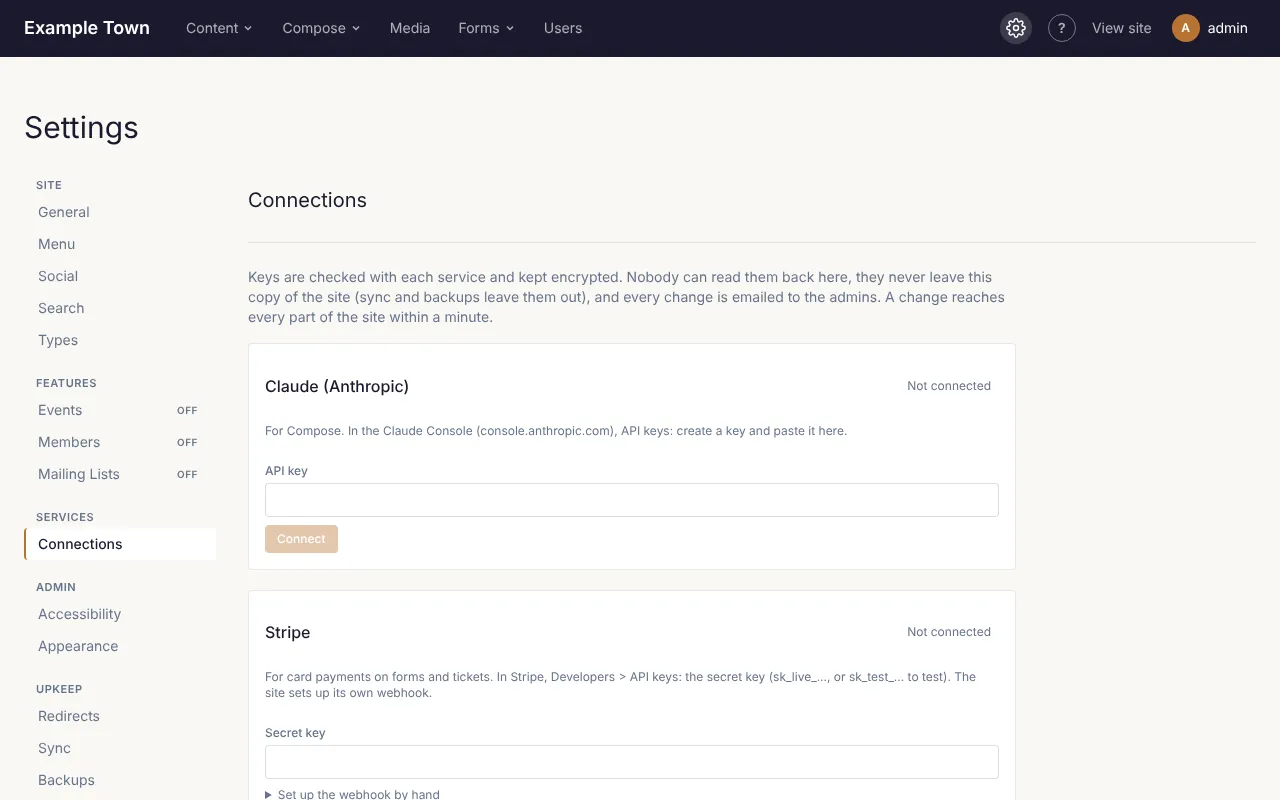
Keys are kept encrypted. Once saved, nobody can see them again, not even admins: the card shows only the last 4 characters. To change a key, paste the new one and click Connect. Disconnect removes it. Every admin gets an email whenever a connection changes, so if you get one you didn’t expect, check this section and change your password.
A card that says Set by the host is set up on the server by whoever runs the site, and can only be changed there.